GB WhatsApp for PC: How to Use It on Windows & Mac
Many people search for GB WhatsApp for PC because they want the same messaging experience on a larger screen. Some are looking for a Windows version, others want to use GB WhatsApp on a Mac, and many simply want to know whether a desktop version actually exists.
The answer isn’t as straightforward as downloading an installer. Unlike the official WhatsApp application, GB WhatsApp is an Android-based modified app, which means it doesn’t have a native Windows or macOS version.
This guide explains how GB WhatsApp works on a computer, what your options are, and what you should know before getting started.
Can You Download GB WhatsApp for PC?
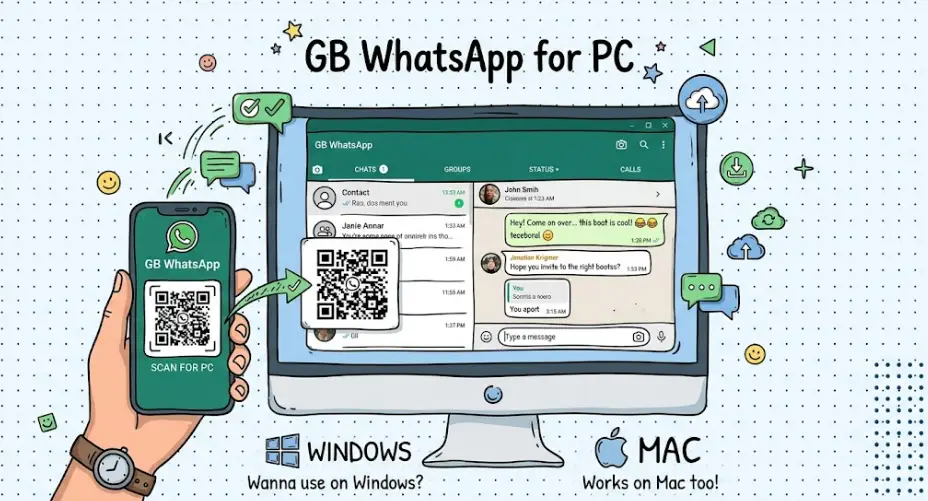
There is no official GB WhatsApp application for Windows or macOS.
If you’ve searched for terms like GB WhatsApp PC, GB WhatsApp Desktop, or GB WhatsApp for Windows, you’ve probably found websites claiming to offer a desktop installer. In most cases, these downloads are simply Android APK files or alternative installation methods rather than a true desktop application.
Because GB WhatsApp is built for Android, it cannot run on Windows or macOS in the same way as regular desktop software.
Why Doesn’t GB WhatsApp Have a Desktop Version?
GB WhatsApp is a modified version of the Android WhatsApp application. Its APK package is designed specifically for the Android operating system.
Windows and macOS use completely different application formats, so an Android APK cannot be opened or installed directly on a computer.
This is why there is no official GB WhatsApp.exe or GB WhatsApp for Mac application available.
Common Ways to Use GB WhatsApp on Windows or Mac
Although there isn’t a native desktop version, users generally access GB WhatsApp on a computer in several ways.
| Method | How It Works | Best For |
|---|---|---|
| Android emulator | Runs Android inside Windows or macOS so APK apps can be used. | Full GB WhatsApp experience |
| Screen mirroring | Displays and controls your phone from your computer. | Using your existing phone installation |
| Linked devices (if supported) | Some GB WhatsApp versions may support linking features similar to WhatsApp Web. | Accessing chats from another device |
The available options depend on the specific GB WhatsApp version you’re using, as features may vary between different developers.
Can You Use GB WhatsApp Without an Android Emulator?
Some users hope there is a direct Windows version that doesn’t require additional software.
At the moment, there is no standalone desktop edition of GB WhatsApp. Since the application is built for Android, running it on a computer usually requires an Android environment or another compatible method.
If your goal is simply to reply to messages from your computer, you may also want to check whether your current GB WhatsApp version supports linked devices or web access.
Does GB WhatsApp Support WhatsApp Web?
This is one of the most frequently asked questions.
The answer depends on the version of GB WhatsApp you are using.
Some releases include support for linking devices in a way that is similar to WhatsApp Web, while others may not offer this feature or may implement it differently.
Because GB WhatsApp is developed independently, compatibility can change from one version to another. If web access is important to you, it’s worth checking the features of your installed version before relying on it for daily use.
GB WhatsApp for PC vs Official WhatsApp Desktop
Although both can be used on a computer, they work differently.
| Feature | GB WhatsApp | Official WhatsApp Desktop |
|---|---|---|
| Native Windows app | No | Yes |
| Native macOS app | No | Yes |
| Android APK required | Yes | No |
| Official support | No | Yes |
| Installation method | Android-based solutions | Direct installation |
| Updates | Depends on the developer | Official updates from WhatsApp |
If you prefer an officially supported desktop experience, WhatsApp Desktop is the simpler option. If you specifically use GB WhatsApp for its additional customization features, you’ll typically need an Android-based solution when using it on a computer.
Things to Know Before Using GB WhatsApp on a Computer
Before setting up GB WhatsApp on your PC or Mac, keep a few points in mind.
First, make sure you’re using a version that matches your Android device to avoid compatibility issues.
Second, back up important chats before switching devices or installing a newer version.
Finally, remember that different GB WhatsApp developers may include different features, so the desktop experience can vary depending on the version you install.
Frequently Asked Questions
Is there an official GB WhatsApp for PC?
No. GB WhatsApp does not have an official Windows or macOS application.
Does GB WhatsApp work on Mac?
Yes, but there is no native macOS version. Users generally rely on Android-based solutions to use GB WhatsApp on a Mac.
Can I use GB WhatsApp without my phone?
That depends on how you’re accessing the app. Some methods still require your Android device, while others create a separate Android environment on your computer.
Does GB WhatsApp support WhatsApp Web?
Support varies by version. Some releases include linked-device functionality, while others may not.
Final Thoughts
GB WhatsApp is designed for Android, so there isn’t a dedicated desktop version for Windows or macOS. However, that doesn’t mean you can’t use it on a computer.
Whether you choose an Android-based environment or another compatible method, understanding how GB WhatsApp works on PC will help you choose the option that best fits your workflow. Before getting started, always check your GB WhatsApp version and make sure your important chats are safely backed up.